 lumibar.
The home bartender app for iPhone
Your home bar, finally smart.
Tell Lumibar what’s on your shelf. It shows what you can make tonight, invents new drinks with AI, guides every pour and plans the party.
Coming soon to the App Store. Be first to pour: get one email when it’s live. No spam.
Coming soonto the App Store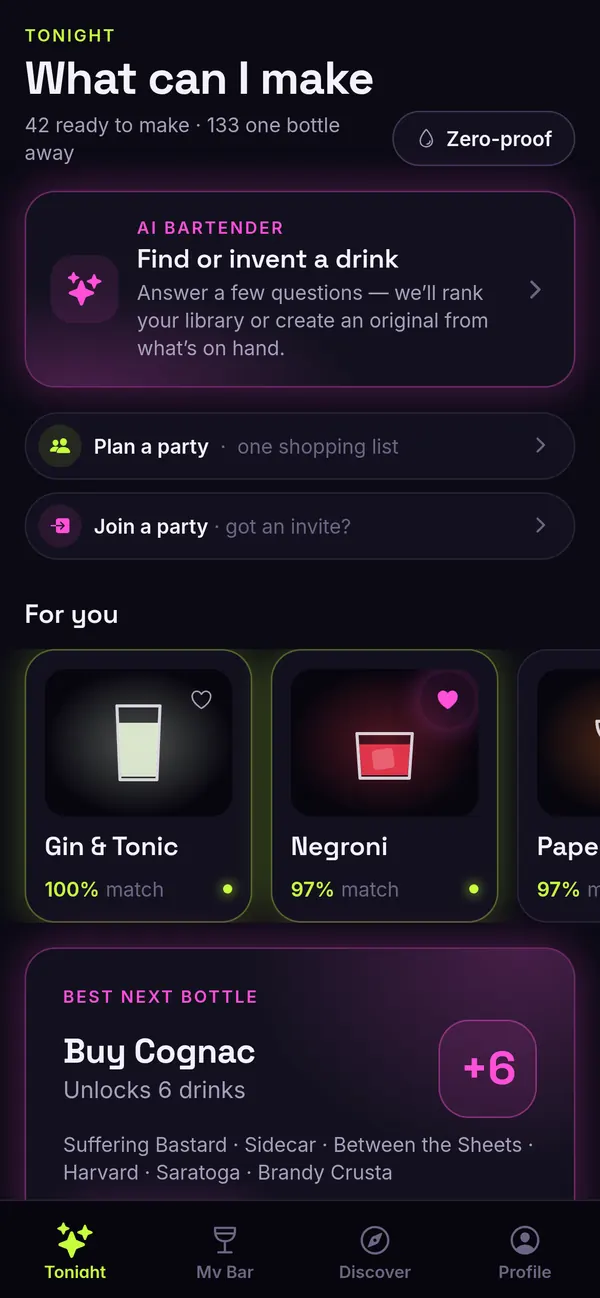
Tell it what you have.
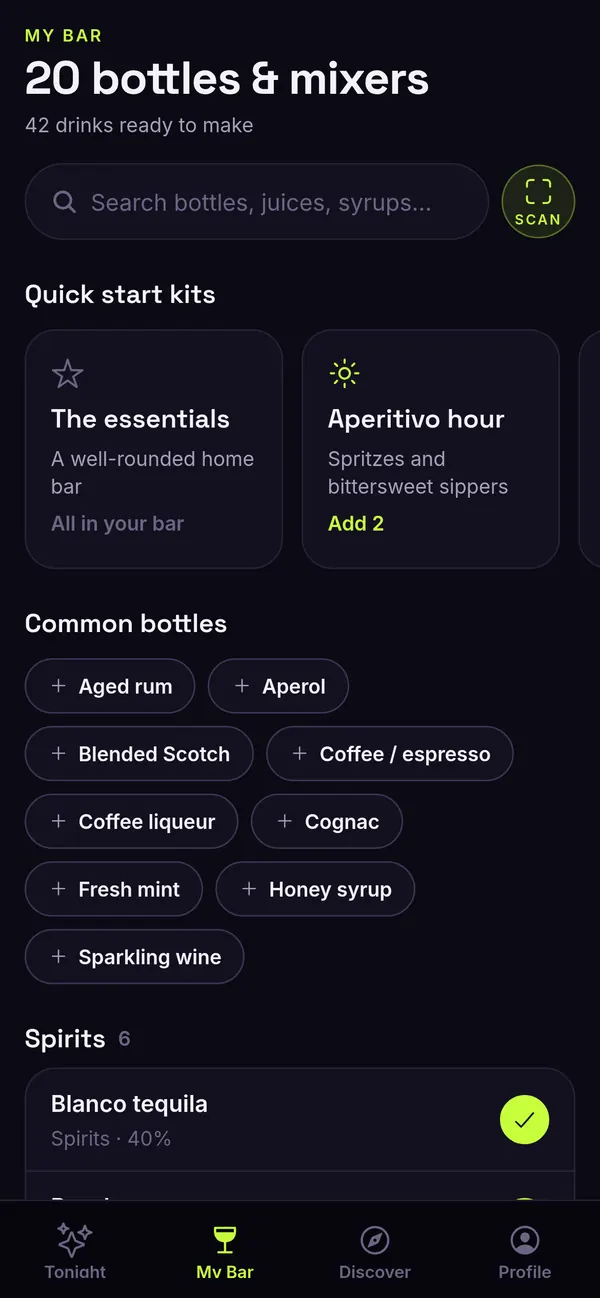
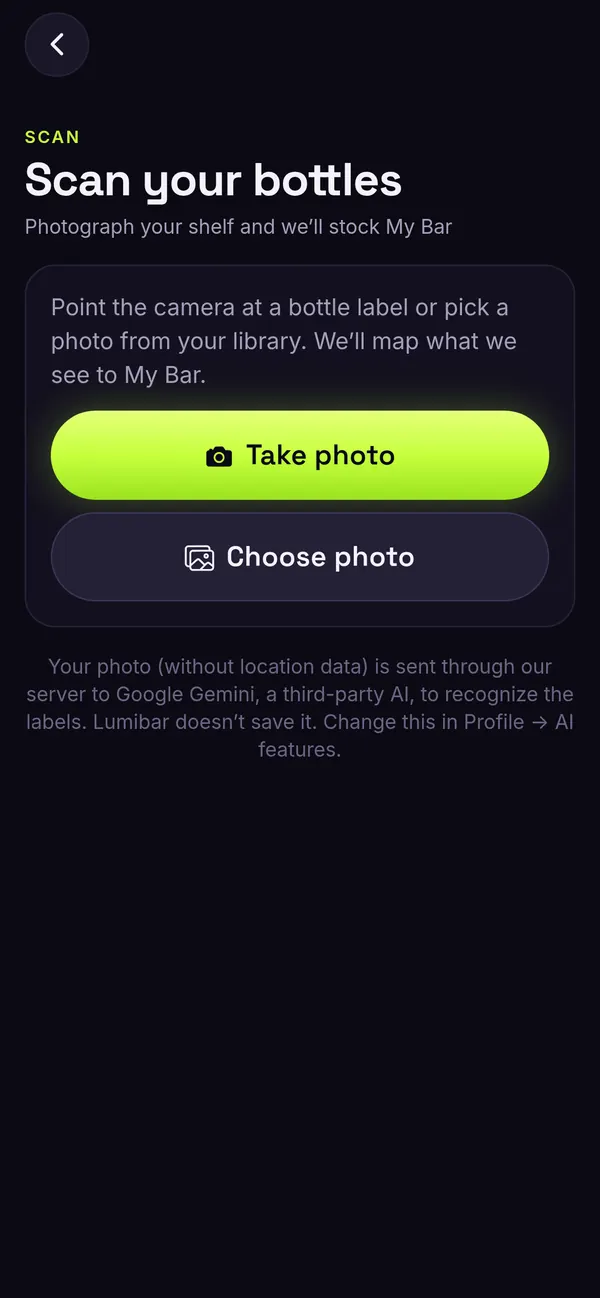
Tap the bottles, mixers and garnishes you own, start from a quick kit, or scan your shelf. Point the camera at your bottles and Lumibar stocks My Bar for you.
- Scan your shelf with the camera
- Spirits, liqueurs, mixers, juices and syrups
- Quick start kits for a well-rounded bar
What can I make? Answered.
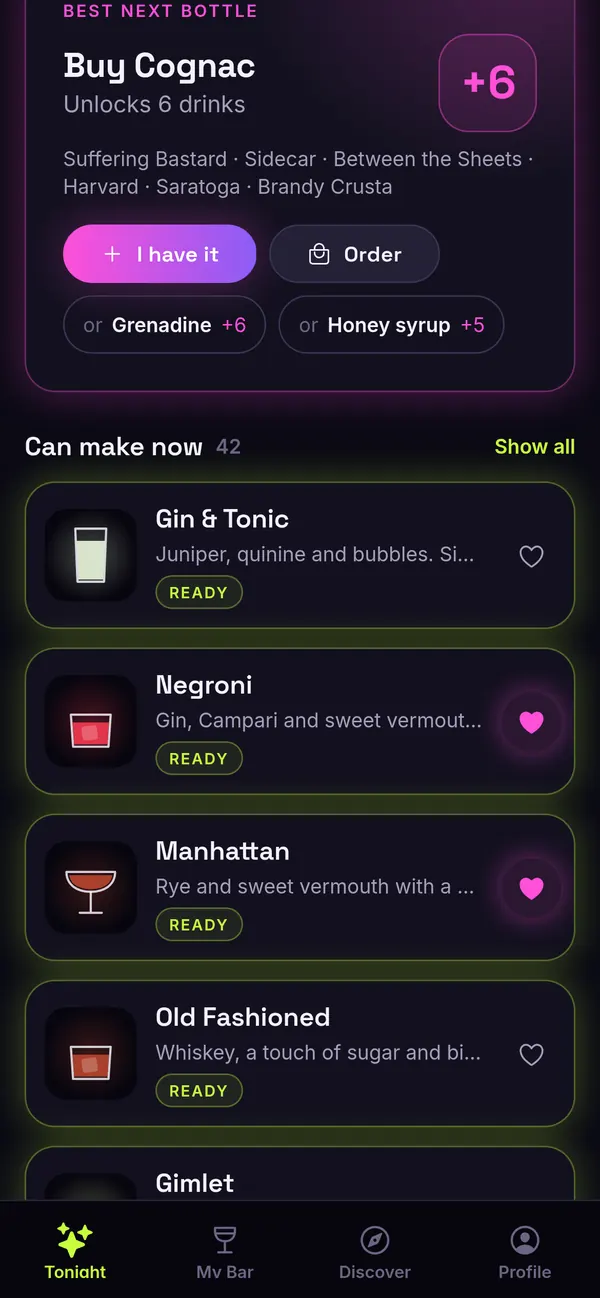
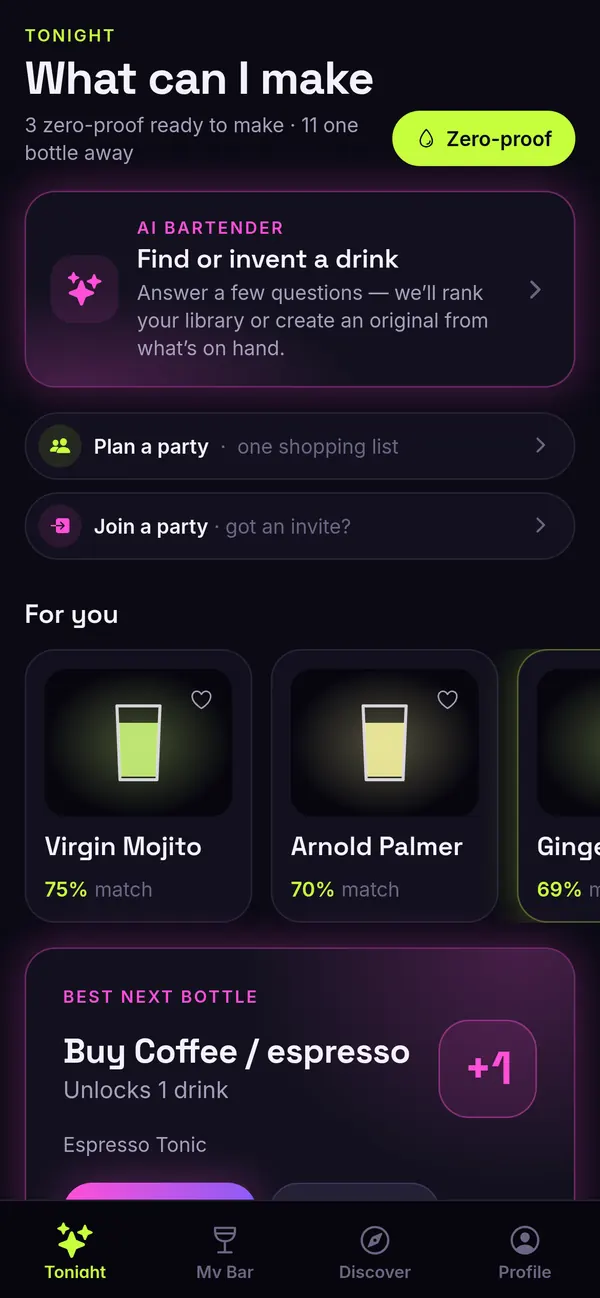
Lumibar shows every drink you can make right now, picks a few for your taste, and finds the one bottle that unlocks the most new drinks.
- Can make now, from what’s on your shelf
- For you, matched to your taste
- Best next bottle: buy one, unlock more
Invent a drink nobody has made.
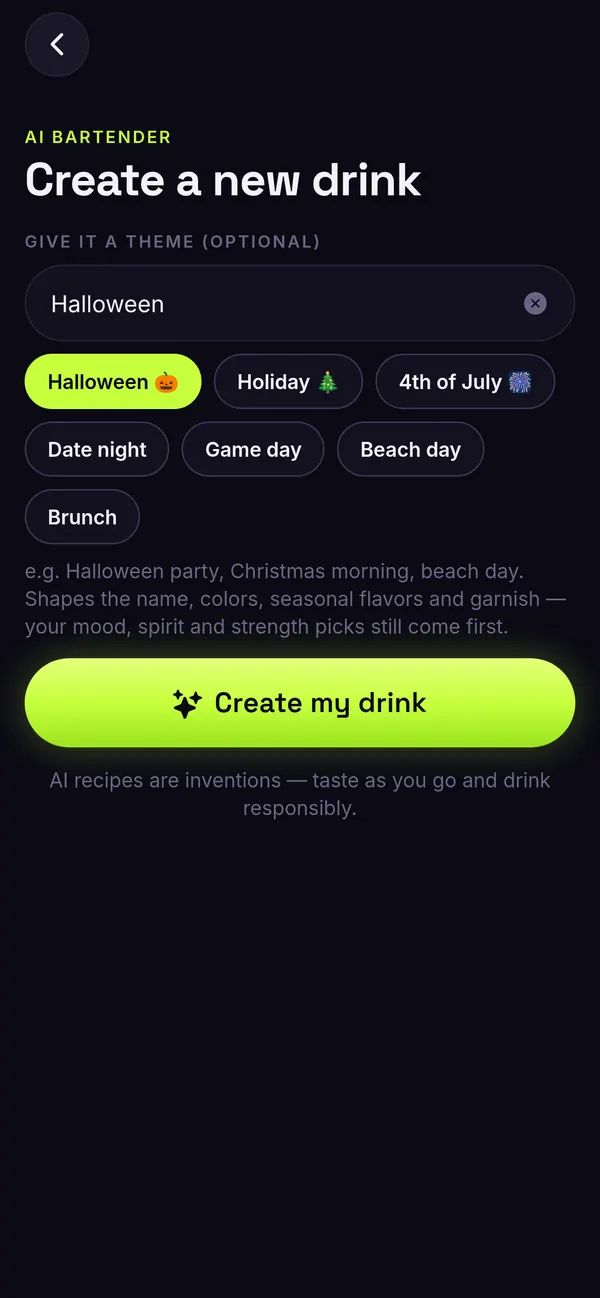
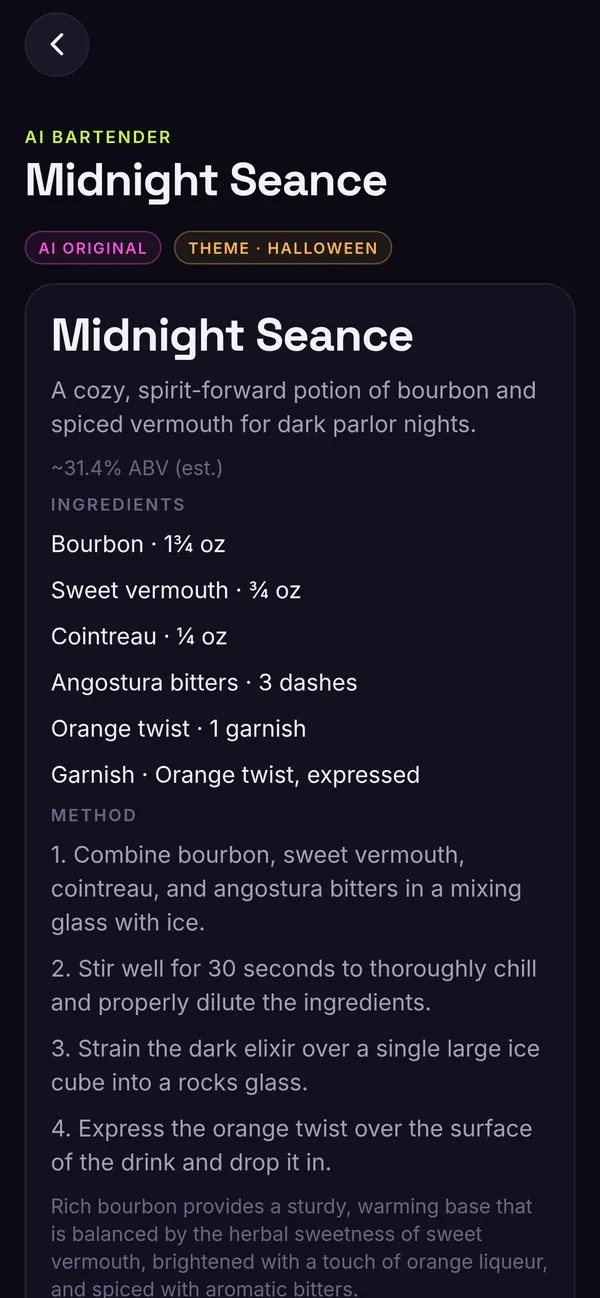
Answer a few quick questions and AI Bartender finds the right drink, or creates a brand-new one from what’s in your bar. Give it a theme like Halloween, game day or date night and get an original with a name and a full recipe.
- Create a new drink from your bar
- Themes for any night or holiday
- Save the ones you love
Pour it right, every time.
Guided Pour works with Bluetooth kitchen scales. Set your glass down and Lumibar walks you through each ingredient.
- Zero firstSet your mixing glass on the scale and Lumibar zeros it.
- Count down to the markPour while the countdown shows how much is left, then stop when you hit it.
- Tap NextMove to the next ingredient when you’re ready.
- CheersSee how close you got on every pour.
No scale? Every drink also has step-by-step instructions with timers.
Host like you hired a bartender.
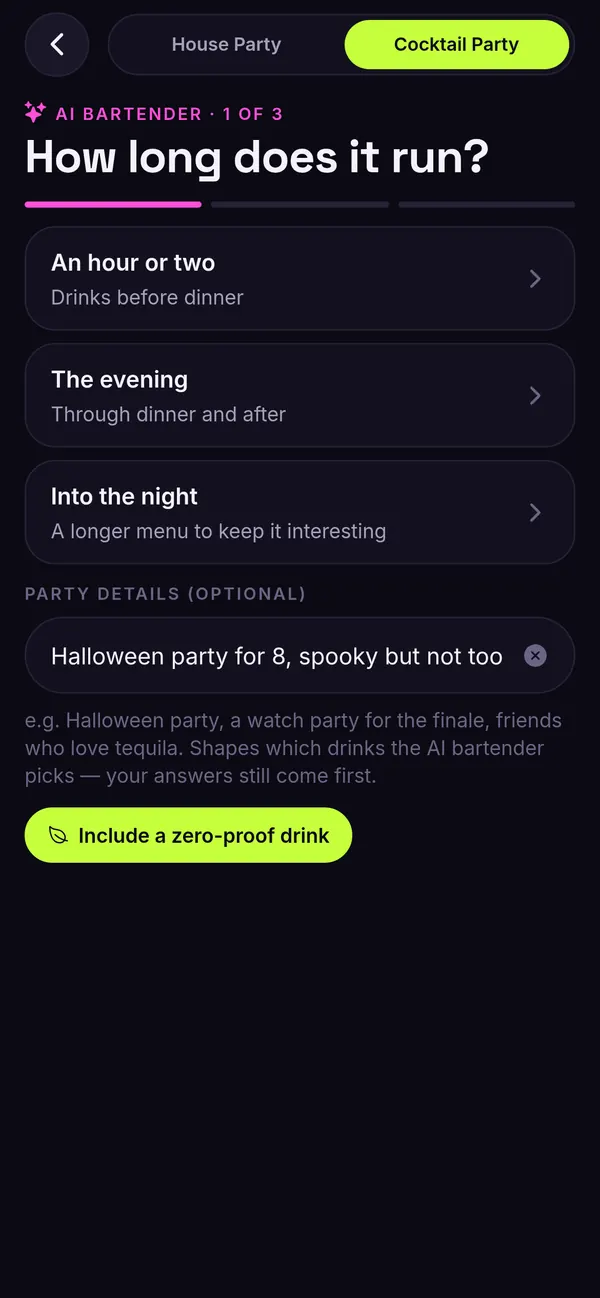
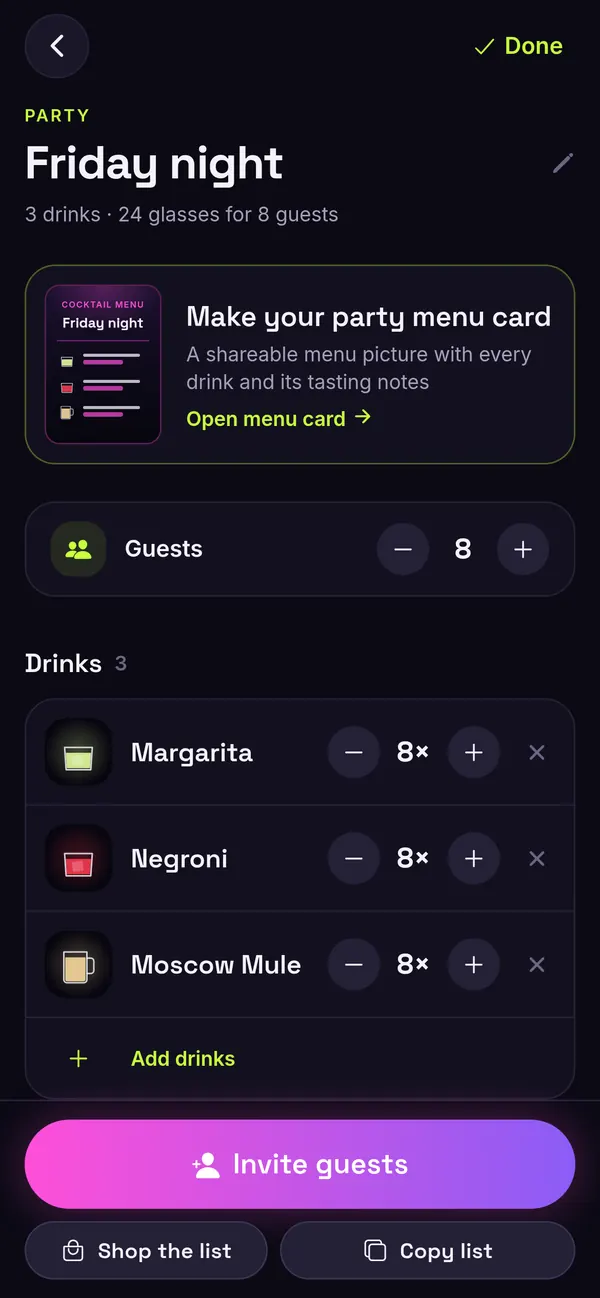
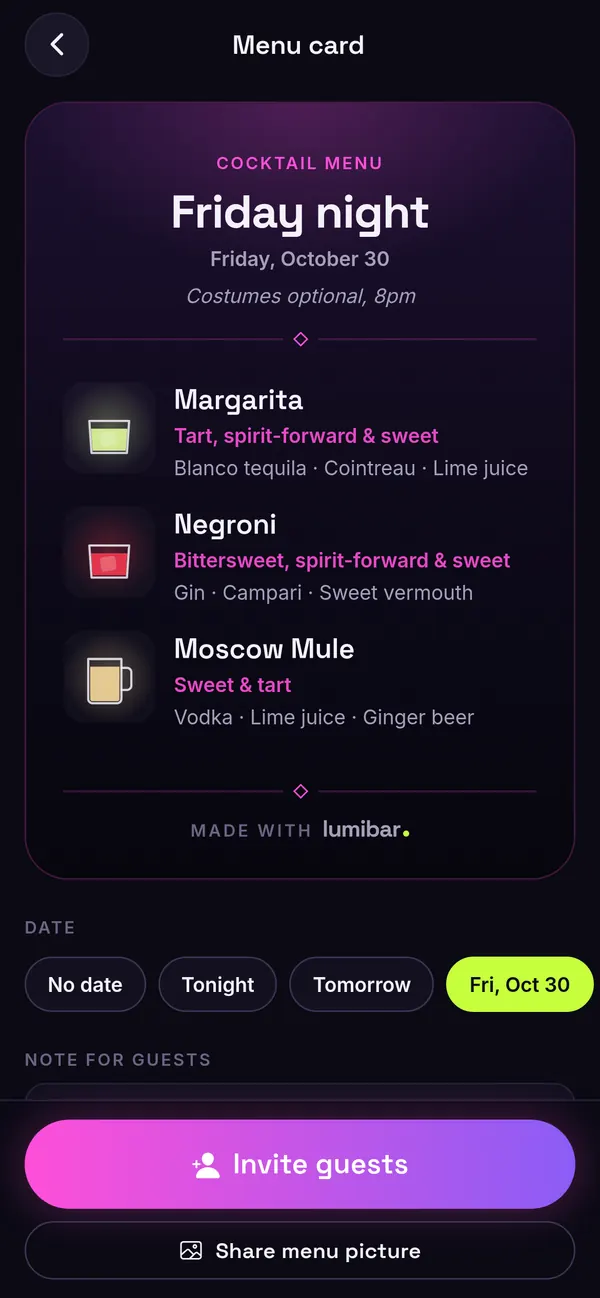
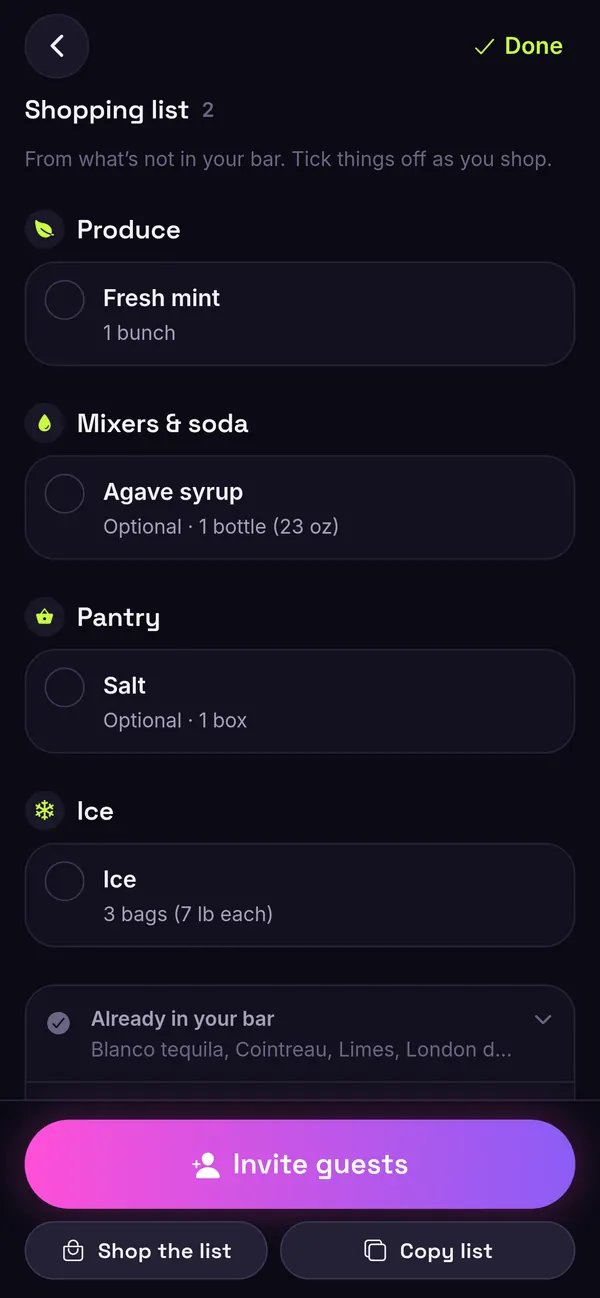
Type a few party details and the AI party planner suggests a menu. Invite guests with a link, share a custom party menu card, and shop once with one combined shopping list for every drink.
Zero-proof drinks, fully included.
Flip on Zero-proof and Tonight shows alcohol-free drinks you can make right now. The AI party planner can add a zero-proof drink to the menu, so everyone has something great in their glass.
Questions
Do I need a scale?
No. Everything in Lumibar works without one, and every drink has step-by-step instructions with timers. If you have a Bluetooth kitchen scale, Guided Pour uses it to count you down to the mark for each ingredient.
Is it free?
Yes. Every feature is free at launch, and there are no in-app purchases.
Do I need an account?
No. There are no accounts. Your bar, favorites, parties and log stay on your phone. The AI features (bottle scan, AI Bartender and the party planner) ask before sending anything. Read the privacy policy.
Does it have zero-proof drinks?
Yes. Turn on Zero-proof to see alcohol-free drinks you can make, and the AI party planner can include a zero-proof drink on your party menu.
Is it iPhone only?
Yes. Lumibar is an iPhone app, coming soon to the App Store.
Who is Lumibar for?
Adults 21+ in the US, or the legal drinking age where you are. An age check runs when you first open the app, and it stays on your phone. Please drink responsibly.
Coming soon to the App Store.
Get one email when Lumibar is live on the App Store. No spam.
Follow along for launch day, new drinks and party ideas.